Complete operation guide and video tutorials for Measure Master Designer
🎬 Video Tutorials (Chinese)
We recorded real, unedited screen recordings (no AI voiceover) to help you quickly master advanced features:
📐 Curved/Circular Rooms: Precise Drawing and Measurement
Two-step measurement from drawing to laser (chord length + arc height automatically calculates radius)
▶ Video coming soon (YouTube link placeholder)📡 Device Management: Add, Share, and Use
Add custom laser rangefinders for quick switching
▶ Video coming soon (YouTube link placeholder)📸 Photo Annotation: On-site Evidence Collection
Capture on-site views and annotate dimensions directly on photos, one-to-one correspondence
▶ Video coming soon (YouTube link placeholder)📌 Laser Rangefinder FAQ (Instant Answers)
1. Core System Advantages and Features
- Seamless cross-platform interoperability with one account:Cross-platform web app, one account works on all computers, tablets, and phones; all devices sync data in real time.
- Multilingual support:The system includes a complete multilingual interface, making international project collaboration seamless.
- Compatible with professional laser measuring devices:Deeply compatible with mainstream Bluetooth laser rangefinders, supporting multi-language voice announcements.
- Ordinary floor plans without dimensions → one-click generation of CAD with data.
- Input CAD drawings → instantly generate accurate floor plans:Supports importing vector PDF/DXF and automatically recognizes walls.
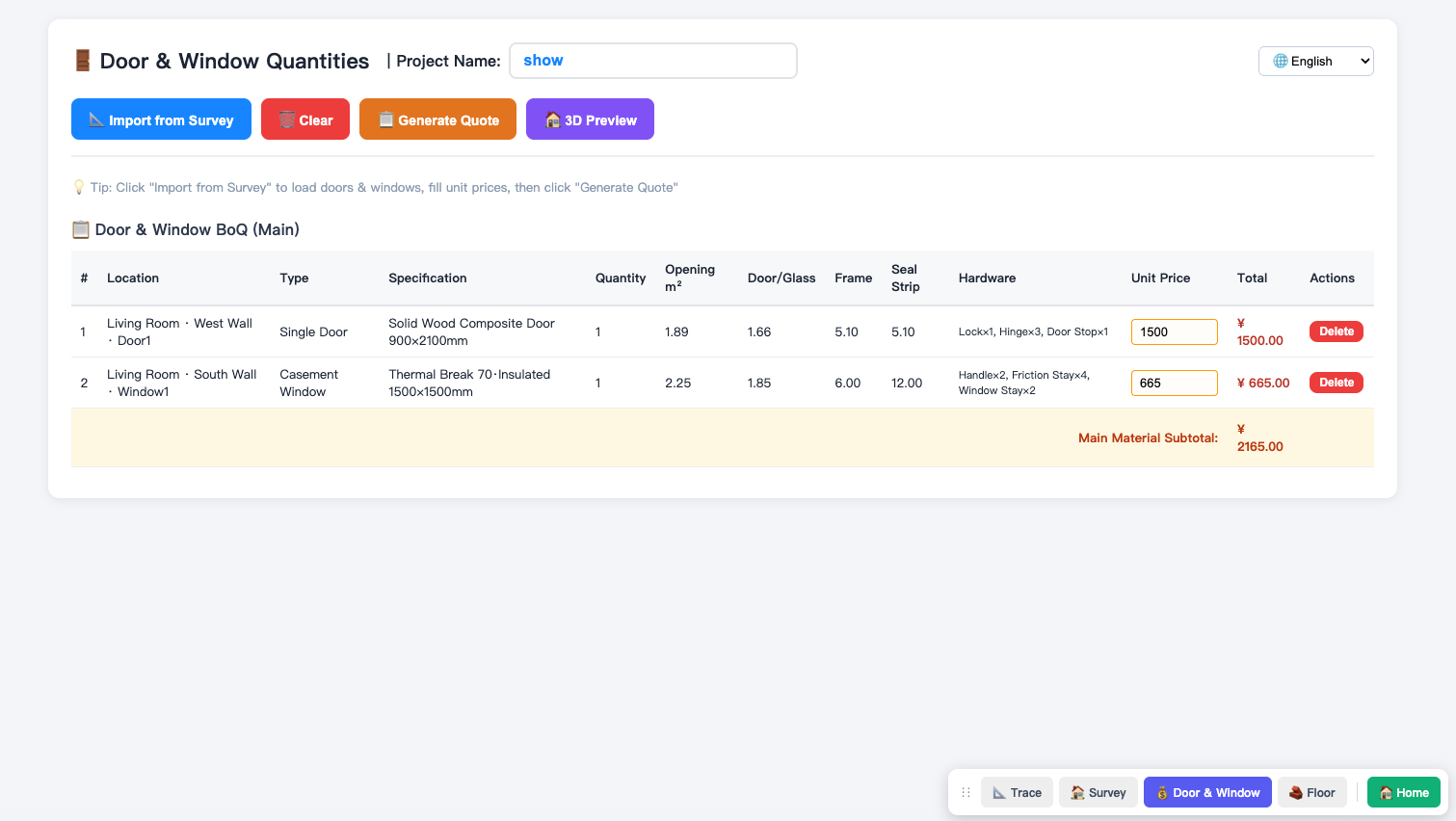
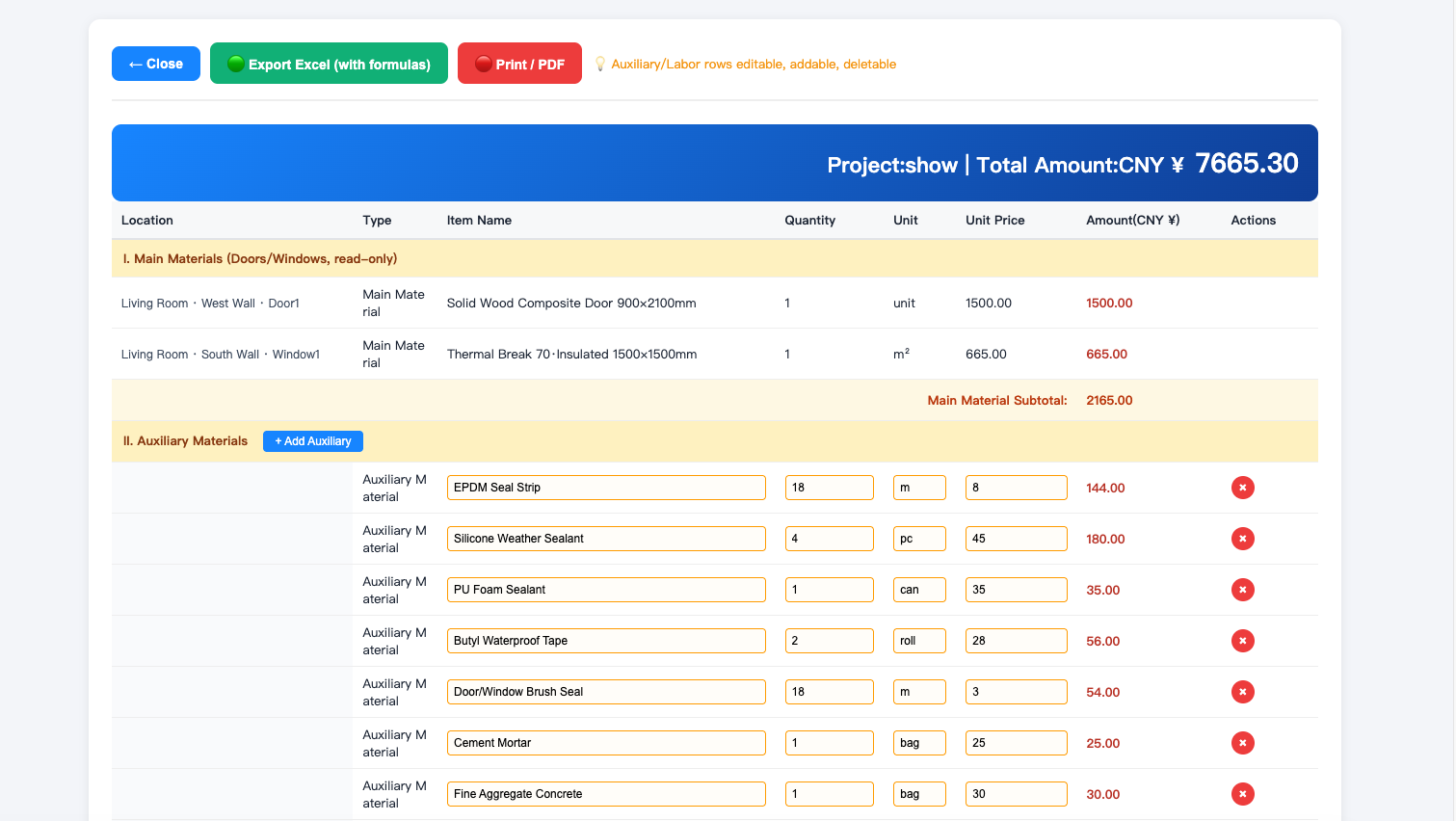
- The industry's most comprehensive material library:Built-in full component library of doors, windows, columns, furniture, and appliances, ready to use by drag and drop.
- Multi-style 3D one-click generation:One-click generation of 3D floor plan models for intuitive display of design results.
- Perfectly compatible with mainstream 3D design and rendering software:The generated DXF file and vector PDF import feature perfectly connect the entire workflow from measuring to rendering.
2. System Overview and Core Features
Click "✏️ Draw" at the bottom, then click corner points on the canvas in sequence. After drawing the last edge, click the starting point or press the spacebar — the room will close automatically and the area will be calculated automatically.
🤖 AI Smart Assistant Coming Soon
Knowledge-base-powered intelligent Q&A to answer your questions about measuring, design, device connection, and more. Coming soon!
Ready to experience lightning-fast room measurement?
Use Room Measurement Master for free now and say goodbye to tedious CAD tracing.
Use Room Measurement Master for free now →